

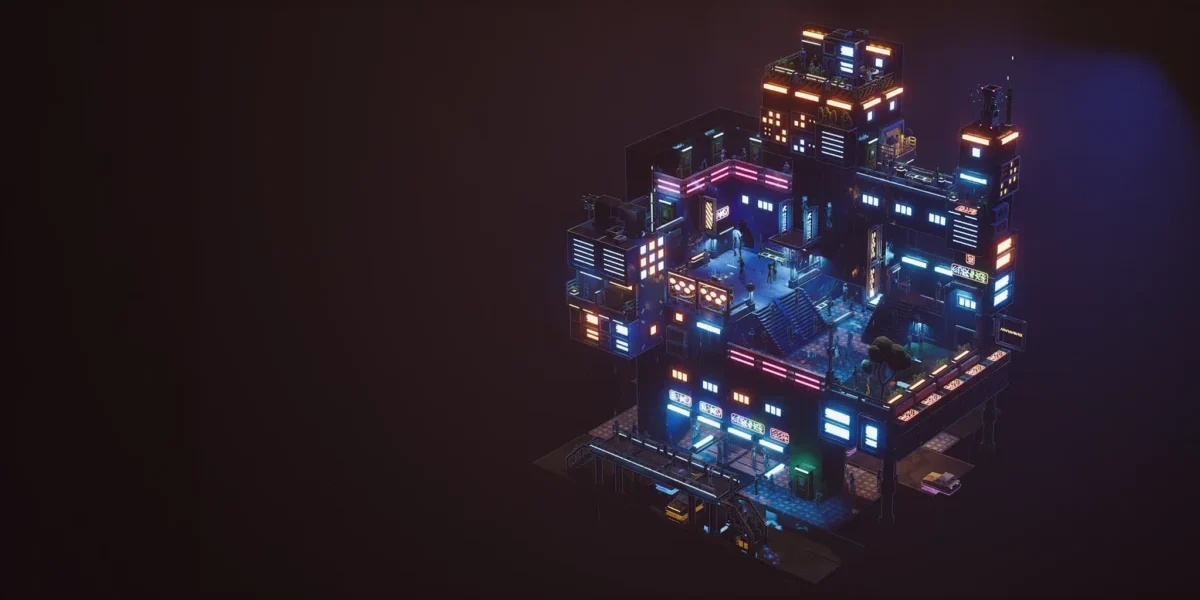

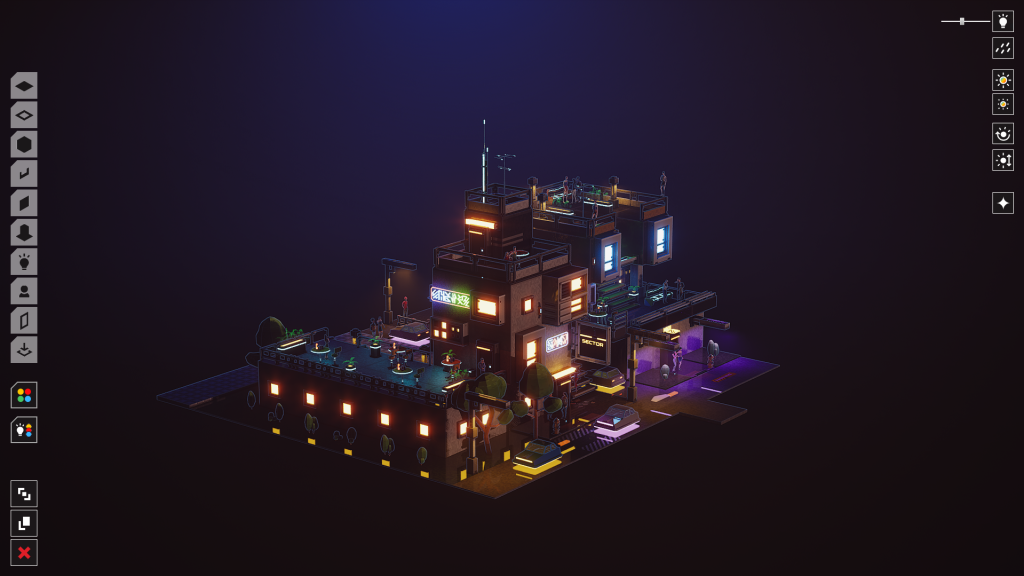
At first sight, Midnight Moments appears to focus on graphic design, neon-soaked settings, and a very cyberpunk world. The game doesn’t work so much as a complicated building simulator, but rather like an interactive area for designing wet evening sceneries. The major purpose is to provide players the tools to combine lighting, shadows and urban aspects to create visually appealing compositions.
Further complemented by detailed sound design and high quality images, players may fall into the game’s soothing environment without having to fight with intricate mechanics.
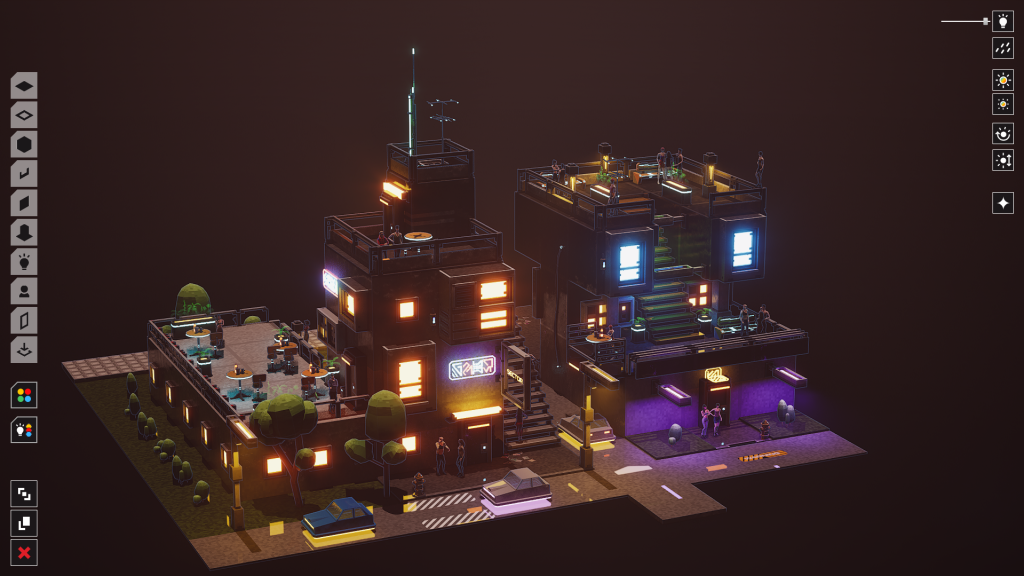
Lighting, Shadows, and Visual Atmosphere: Light Source Control
The most impressive feature of Midnight Moments, without doubt, is its dynamic lighting system. Players are able to completely change the color of the streetlights and other sources of light around the landscape. It’s far more than a change of appearance of an object, as the reflected light on wet asphalt and concrete walls changes proportionally.
Players may also control the direction of each light source, allowing them to adjust the angle and placement of shadows. As the lights are moved about, shadows of houses, trees and other things are naturally cast on the ground and around the walls. Precise shadows make the environment look deep and realistic, and prevent scenes from looking flat or lifeless.
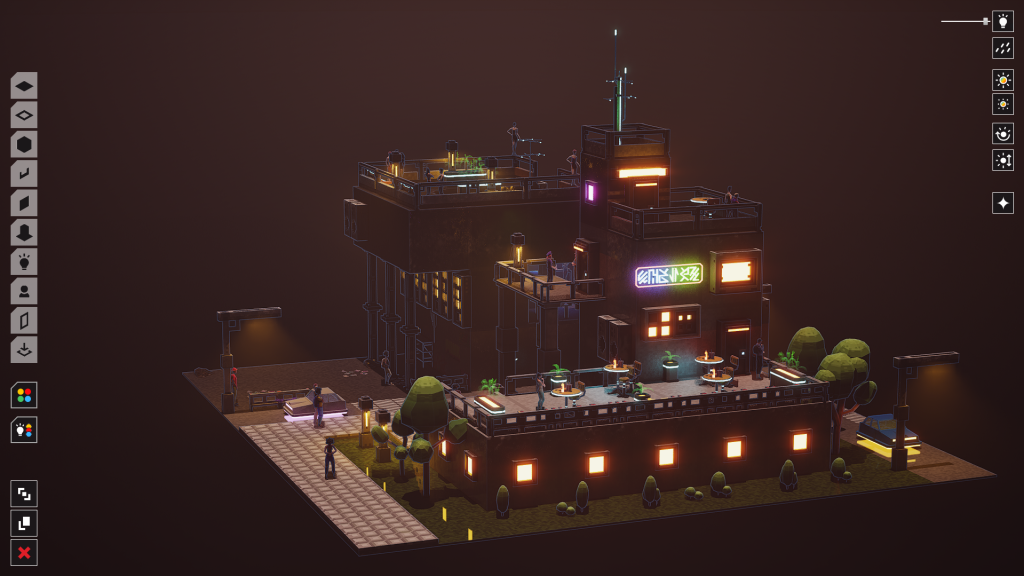
Urban Elements and Environmental Diversity: Bringing Life to the City
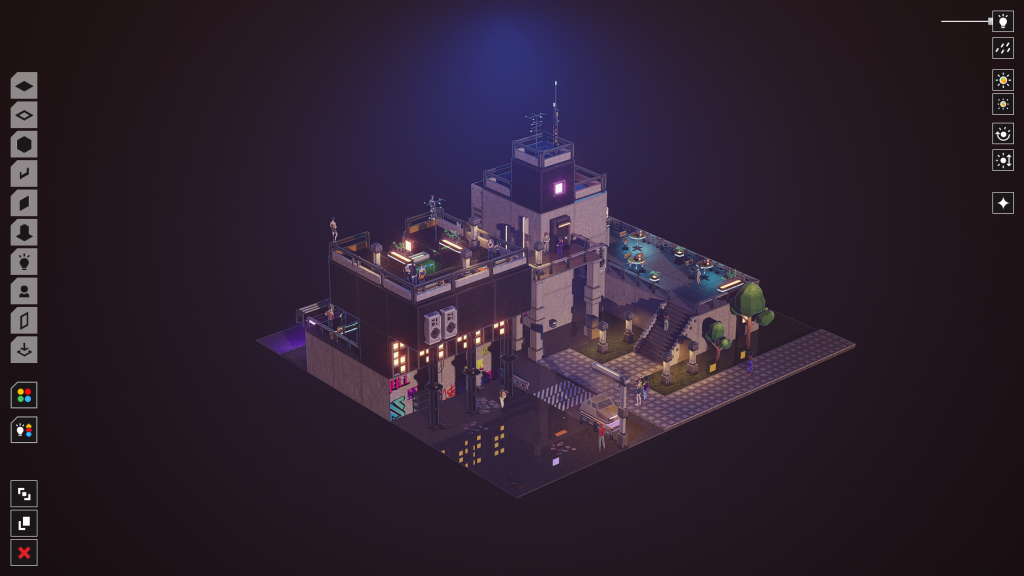
The creators have also included some randomness to the creation of the scenes to make sure the landscapes don’t get visually repetitive. For example, trees can be visualized in diverse shapes and structures with each placement of the tree, thereby avoiding a too homogenous appearance of the landscape.
The game’s midnight cityscapes include more interesting aspects that bring it to life, like human beings sprinkled about the streets, road markers on the tarmac, and the option to add colorful graffiti to walls. These may be little touches but they assist to stop the finished scenes from turning into dead, empty dioramas.
Rain System, Interaction and Operation of Mouse Cursor
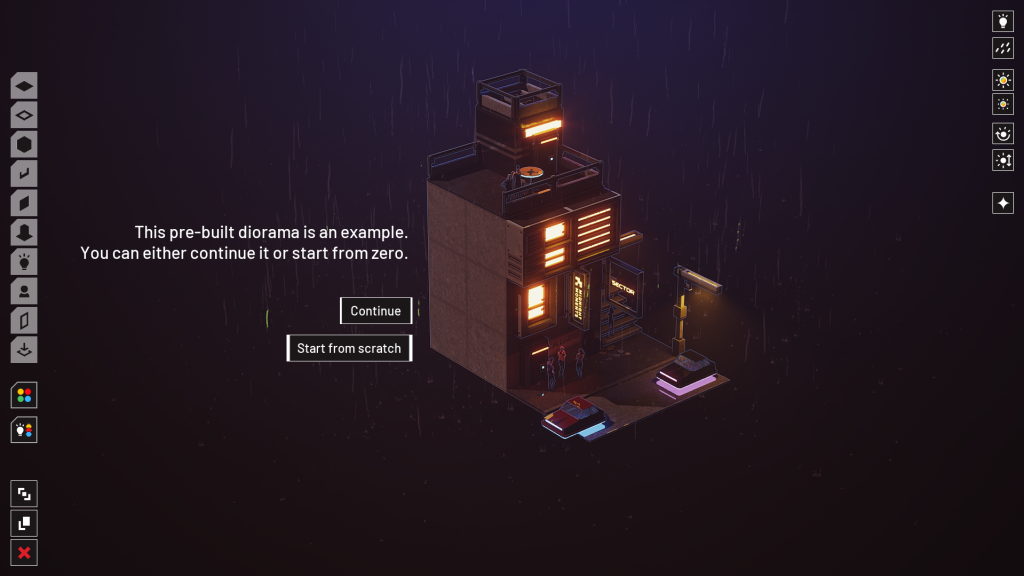
Rainfall is one of the key ingredients in Midnight Moments’ mood. The rain itself is well animated and the sound of the rain hitting the ground, together with reflections shimmering on wet asphalt, do a lot to make each scenario convincing. Players can easily modify the intensity of the rain, decreasing or raising it at will, or even shutting it off completely.
Another especially handy concept is to be able to turn the mouse cursor into a focused light source, which may be utilized as a sort of torch in darker areas. This makes it much simpler to see finer details when working in near-total darkness, and lets players control their compositions without losing the evocative lighting they have produced.
Object Rotation Toolset and User Interface Issues
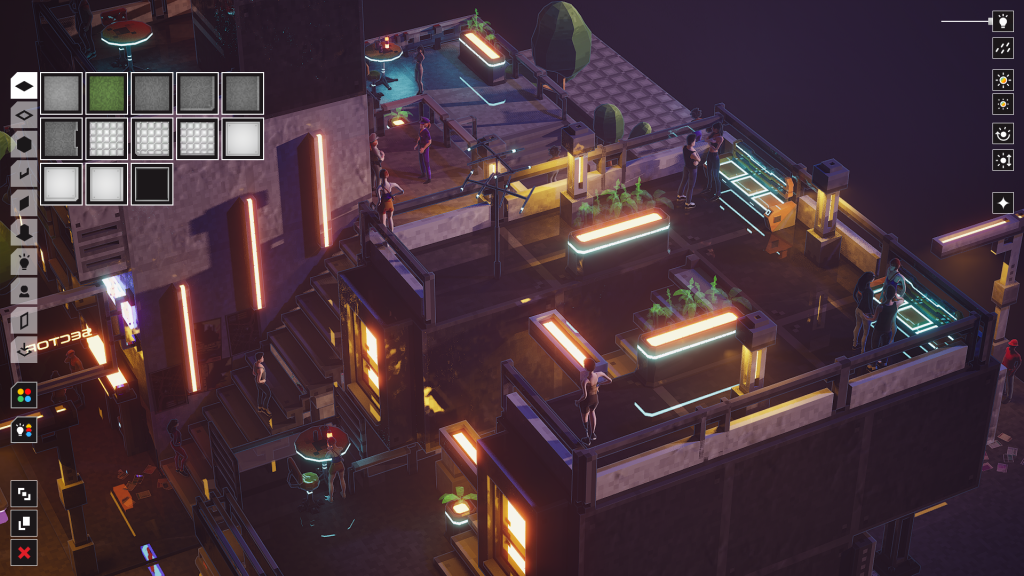
Even with its outstanding visual display, the game as it is has some apparent limitations in its tools and user interaction. The major drawback is the lack of an obvious choice, or at least the imprecise implementation of an option, for rotating things. One of the most basic tools accessible for any game or application based on scene composition is the ability to rotate objects in different orientations.
If such functionality does exist, the instructional and interface do a terrible job of presenting it, making it needlessly difficult to find. But if object rotation just hasn’t been implemented, then it’s a major fault in the design of the game. Inability to rotate objects greatly restricts the diversity of viable configurations as players are required to place their props in the same set direction.
Limited tools and motivation to build scenes in the pipeline
Another drawback that becomes obvious after a few hours with the game is the lack of diversity in its object catalogue. At first the choice of lights and urban elements seems to be enough but as time goes on the reuse of the same assets makes it harder and harder to build really unique scenes. As the choice of items is already limited and players also cannot rotate or modify their orientation, diverse compositions inevitably start to seem too similar. So with time the drive to continue to experiment and develop new sceneries begins to wear off.
Daylight and Time of Day Limitations
Yes, the game does have a time-of-day system but the results aren’t quite as good as hoped. Even at the highest ambient brightness level Midnight Moments never quite manages to capture the look of a bright sunny day. The atmosphere is always overcast, dark and misty, no matter the settings.
The game’s identity is firmly wrapped up in the nocturnal mood, but letting players explore these environments in full daylight would’ve offered a welcome layer of visual variation. It would also have been a nice contrast between the same streets in the darkness of night and in the light of a clear day.
Verdict
All in all, Midnight Moments delivers on the visual front, the lighting and shadow effects and the rain-sound atmosphere. Still, the whole experience is lacking in the absence of (or imprecise implementation of) object rotation, lack of tutorials and restricted range of available assets.
The game is a great tool for making quiet rainy neon-lit worlds, but with no other items and creative tools, it becomes increasingly difficult to produce scenes that actually seem different from one another after a time. Midnight Moments has a solid ambiance and nicely portrays its dark look, but it needs more diversity and a more complete set of tools to keep players engaged over extended play sessions.
This review is based on the PC version
Score: 60/100

Other Articles

Progression Happens in the Player’s Mind | Gurei Review